Lines
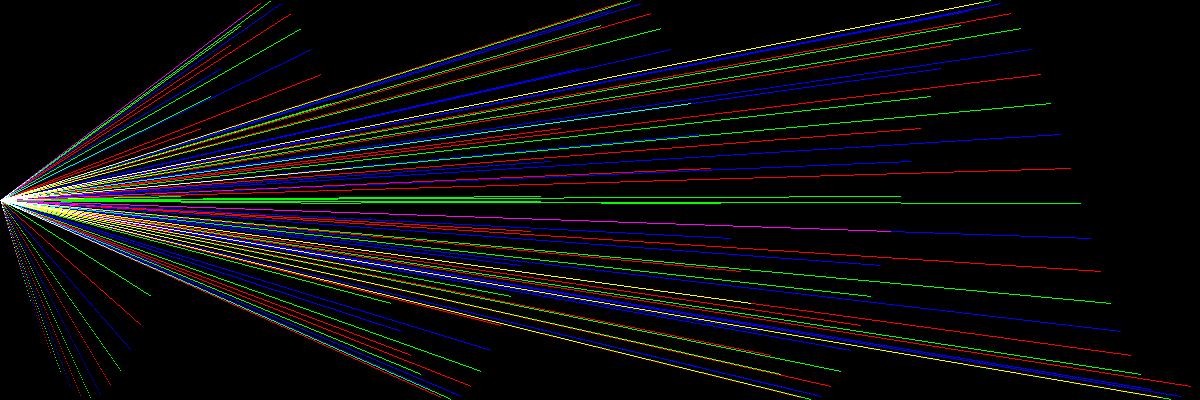
Let’s draw lines:
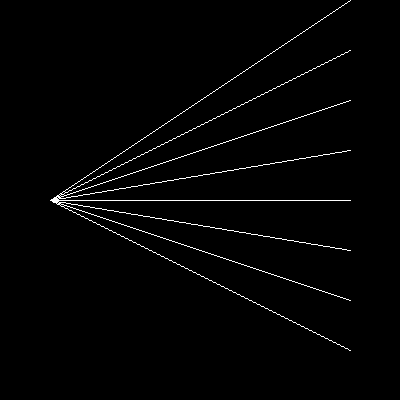
Here is the code that calculates lines between two points:
import numpy as np
from PIL import Image


def draw_line(a, xstart, ystart, xend, yend):
    npoints = max(abs(xend - xstart) + 1, abs(yend - ystart) + 1)
    x = np.linspace(xstart, xend, npoints).round().astype(int)
    y = np.linspace(ystart, yend, npoints).round().astype(int)
    a[y, x] = 255


a = np.zeros((400, 400), dtype=np.uint8)

for yend in range(0, 400, 50):
    draw_line(a, 50, 200, 350, yend)

im = Image.fromarray(a)
im.save('lines.png')
The algorithm calculates the number of points necessary to have at least one point on each x and y coordinate. This is necessary because because it is unknown which of the dimensions is wider.
For calculating the coordinates, the function np.linspace does a great job at interpolating.
One tricky detail is that the numbers will be used for indexing the bigger array, so they have to be integers.
You need to remember rounding them before the conversion to int, otherwise you would see some strange artifacts.
Note
The PIL.ImageDraw module contains a line drawing tool that
allows you to draw thicker lines.
Challenge
Create line art (remotely inspired from the artist Naum Gabo)