Shadow
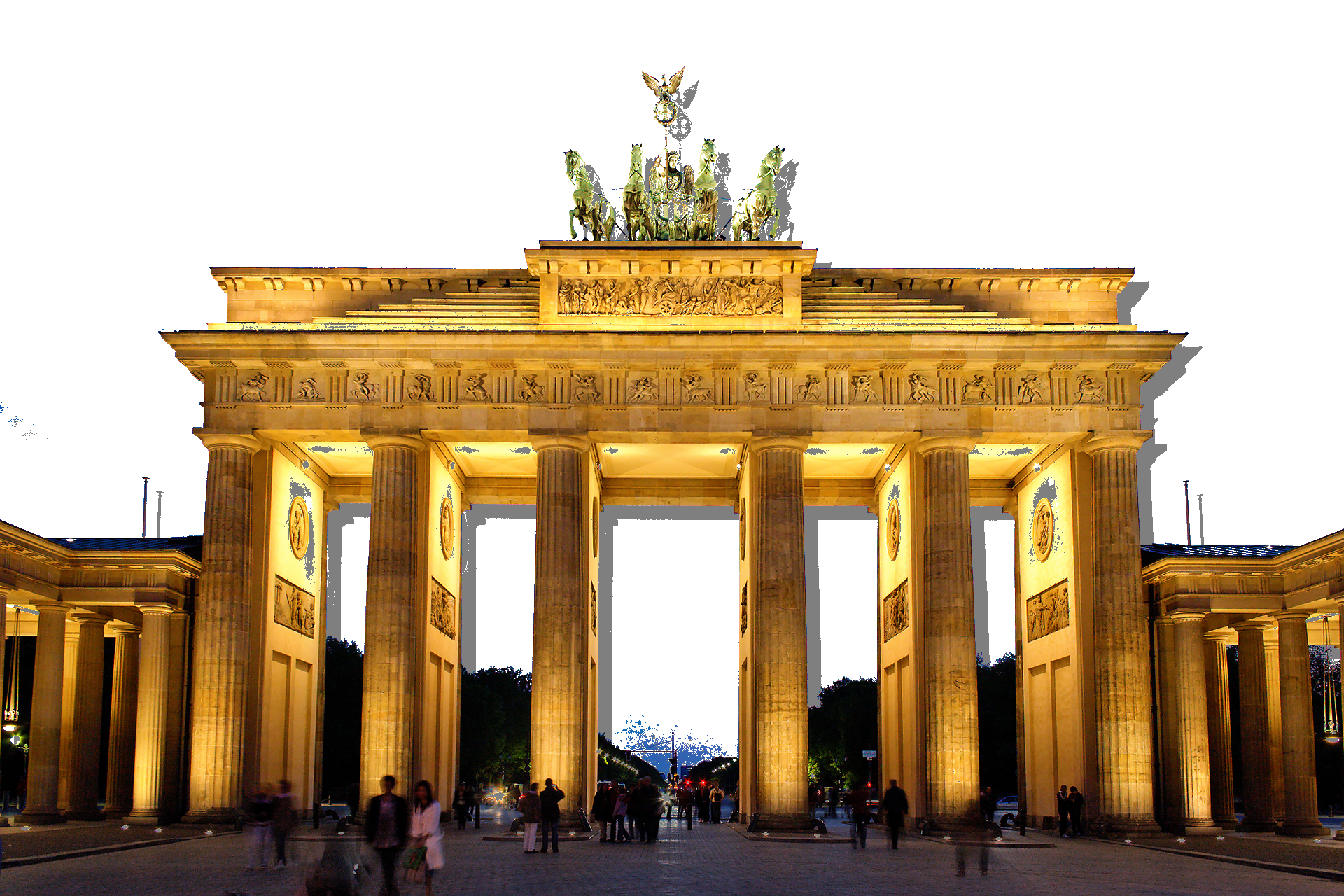
How the image is created
select all blue pixels above a threshold as a mask
create a shadow image that is gray outside and white inside the mask
move the shadow by 20 pixels
copy the shadow onto the white part of the main picture
Note that some blue pixels do not turn white, because changing the threshold would distort the gate too much.
from PIL import Image
import numpy as np

a = np.array(Image.open("bbtor.jpg"))

mask = a[:,:,2] > 180

shadow = np.ones(a.shape, dtype=np.uint8) * 127
shadow[mask] = 255
shadow[20:, 20:] = shadow[:-20, :-20]

a[mask] = shadow[mask]
Image.fromarray(a, 'RGB').save("shadow.png")