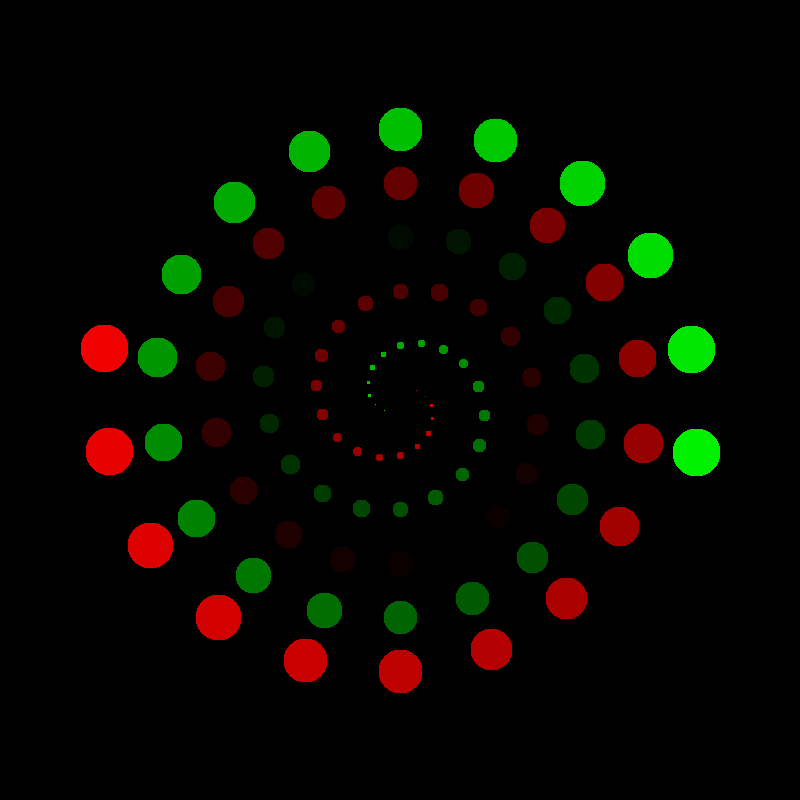
Spiral

To draw a spiral you can reuse the line drawing function:
import numpy as np
from PIL import Image
import math
from lines import draw_line


def spiral(
        xcenter,
        ycenter,
        angle=0,
        radius=1,
        angle_step=10,
        radius_step=0.7
        ):
    """generates spiral coordinates"""
    while True:
        angle += angle_step
        radius += radius_step
        yield (
            round(math.cos(angle * math.pi / 180) * radius + xcenter),
            round(math.sin(angle * math.pi / 180) * radius + ycenter)
        )


a = np.zeros((400, 400, 3), dtype=np.uint8)
x, y = 200, 200
spiral_gen = spiral(x, y)

for i in range(250):
    xnew, ynew = next(spiral_gen)
    draw_line(a, x, y, xnew, ynew)
    x, y = xnew, ynew

im = Image.fromarray(a)
im.save('spiral.png')
When drawing a spiral it is key to start in the middle. This allows to catch the essential properties of a spiral in code:
it rotates in circles
the radius of the circle becomes bigger and bigger
the spiral is potentially endless
The angle and radius are polar coordinates. You can convert them to cartesian coordinates through trigonometric functions. A generator function is a good solution to model a potentially endless spiral. The line drawing function takes care of the rest.
Challenge
Become creative with the spiral function: