Thank You
Here is a simple assembly of a Thank You image.

How it works:
The script uses two images with characters, and one with the bubble:
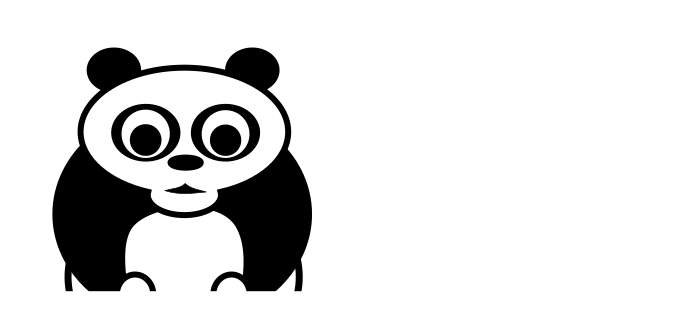
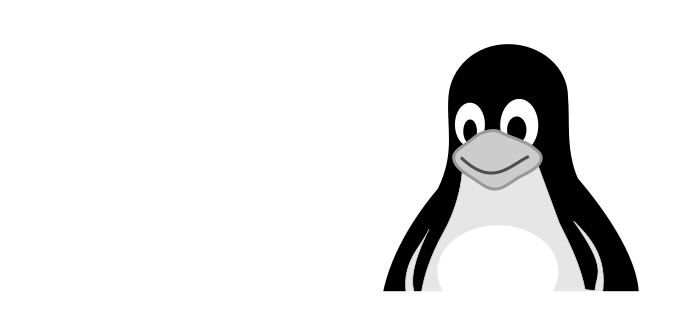
The main logic is to use a sine function to calculate smooth movements. For frame i the coordinate x would be:
\[x = sin(\frac{i}{i_{max}} \cdot (end - start)) + start\]
At the end, the image is cropped, so that the logo parts seem to move in from the outside.
Installation
The script requires the OpenCV library for displaying the live animation and imageio for exporting animated GIFs.
pip install opencv-python
pip install imageio
The code
import numpy as np
import cv2
import math
import imageio
import time

BLACK = (0, 0, 0)

FRAME1 = 80
FRAME2 = 20
FRAME3 = 10

MAXX = 2000
MAXY = 800
YCHARS = 300
XCENTER = 1000 - 341 // 2

def sine_move(start, end, frames, wait_frames=0):
    """
    smooth movement from a to b using a sine function.
    remain in end position forever
    """
    for _ in range(wait_frames):
        yield start
    for i in range(frames):
        angle_rad = i / frames * math.pi / 2
        if end > start:
            value = int(math.sin(angle_rad) * (end - start) + start)
        else:
            value = start - int(math.sin(angle_rad) * (start - end))
        yield value
    while True:
        yield value


def create_text():
    text = np.zeros((100, 300, 3), np.uint8) + 255
    return cv2.putText(
        text,
        "Thank You",
        (10, 50),
        cv2.FONT_HERSHEY_TRIPLEX,
        fontScale=1.0,
        color=BLACK,
        thickness=2,
    )


background = np.zeros((MAXY, MAXX, 3), np.uint8) + 255
panda = cv2.imread("panda.png")[::2, ::2]
pingu = cv2.imread("pingu.png")[::2, ::2]
bubble = cv2.imread("bubble.png")[::2, ::2]
ysize, xsize, _ = panda.shape
text = create_text()

frames = []
xgen = sine_move(0, XCENTER, FRAME1)
ygen = sine_move(0, 170, FRAME2, wait_frames=FRAME1)
fade = sine_move(start=255, end=0, frames=50, wait_frames=FRAME1 + FRAME2 + 5)

while True:
    # display frames
    frame = background.copy()
    xpanda = next(xgen)
    xpingu = MAXX - pingu.shape[1] - xpanda
    frame[YCHARS: YCHARS + ysize, xpanda : xpanda + xsize] = panda
    frame[YCHARS: YCHARS + ysize, xpingu : xpingu + xsize] &= pingu
    frame[YCHARS-150: YCHARS-150 + bubble.shape[0], XCENTER: XCENTER + bubble.shape[1]] =\
         np.maximum(bubble, next(fade))
    ytext = next(ygen)
    frame[ytext: ytext + 100, XCENTER + 40:XCENTER + 340] &= text
    frame = frame[100:550, 500:-500]  # crop
    cv2.imshow("frame", frame)

    key = chr(cv2.waitKey(1) & 0xFF)
    if key == "q":
        break

    time.sleep(0.03)

    # shrink frame for using it on the web
    rgb = cv2.cvtColor(frame[::2, ::2], cv2.COLOR_BGR2RGB)
    frames.append(rgb)

cv2.destroyAllWindows()
# imageio.mimsave('thank_you_animation.gif', frames, fps=25)