Meme Generator
Let’s add some text to an image:
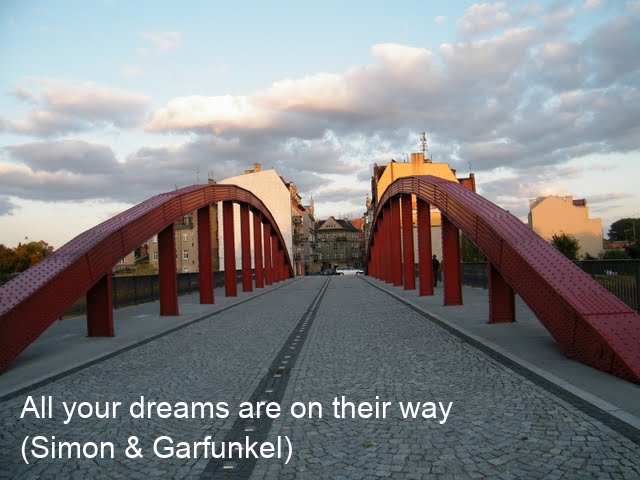
Bridge over Troubled Water
NumPy cannot add text of its own. You need to use the Pillow library
instead:
from PIL import Image
from PIL import ImageDraw, ImageFont

im = Image.open('bridge.png')
draw = ImageDraw.Draw(im)
arial = ImageFont.truetype('arial.ttf', 30)

draw.text(
          (20, 390),
          'All your dreams are on their way',
          fill=('white'),
          font=arial
          )
draw.text(
          (20, 430),
          '(Simon & Garfunkel)',
          fill=('white'),
          font=arial
          )

im.save('meme.png')
For the code to run, you need a True-Type-Font (TTF). You can use your own or download arial.ttf.
To convert a Pillow Image to a Numpy array, use:
a = np.array(im)
and back:
im = Image.fromarray(a)
Challenge
Add text to your own image to create a meme or inspirational image.